How To Fix No Service On iPhone 7 Plus
In this article, we will be giving out tips on how to fix iPhone 7 plus no service error. Click the link to read full guide.
Author:Daniel BarrettJun 14, 2022205 Shares204.6K Views
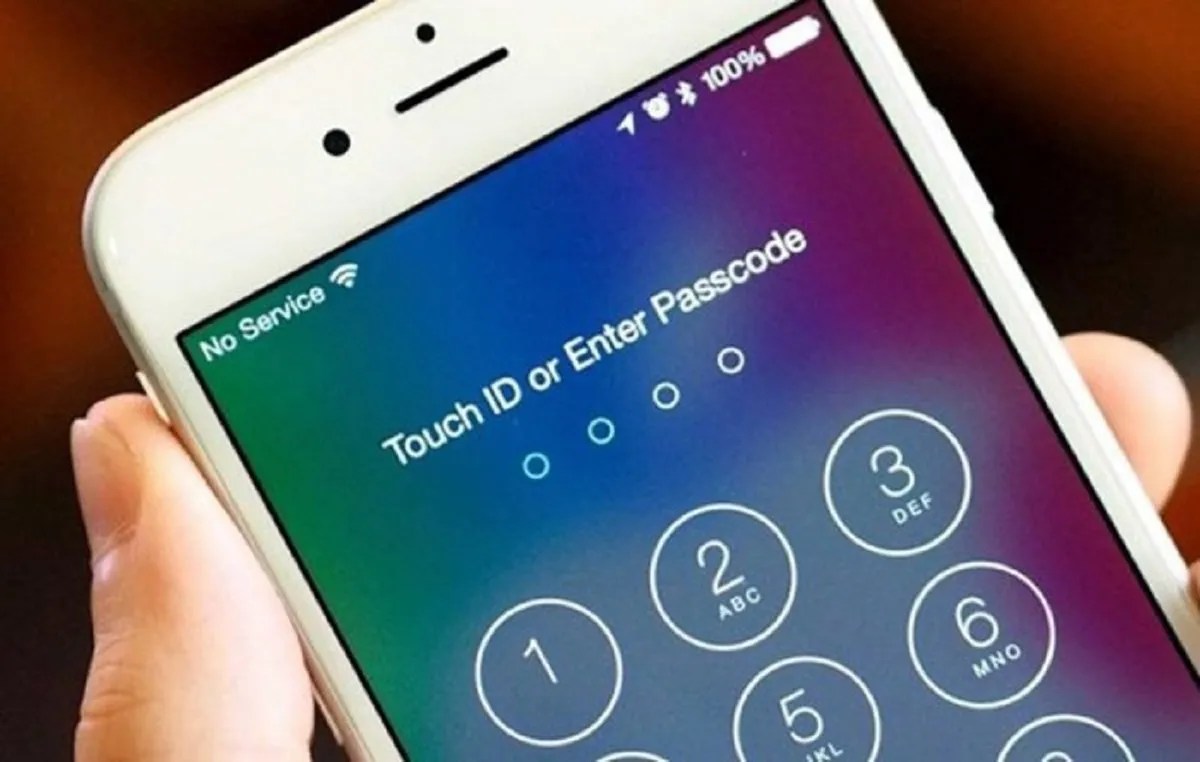
Is Your iPhone 7Plus saying “No Service” and looking for a way to fix the error? Keep reading to find out ways to rectify this issue. In this article, we highlight some troubleshooting tips to fix the iPhone7 plus no service error.
Why Does My iPhone 7 Plus Say No Service? Is It Broken?
We can point out no specific reason for the “No Service” issue. However, if you face this error on your iPhone 7, follow the steps below to rectify the error.
Quick-Step: Remove The SIM Card
Remove your SIM card, then put it back in. The SIM card connects your iPhone 7 Plus to your wireless carrier’s network.
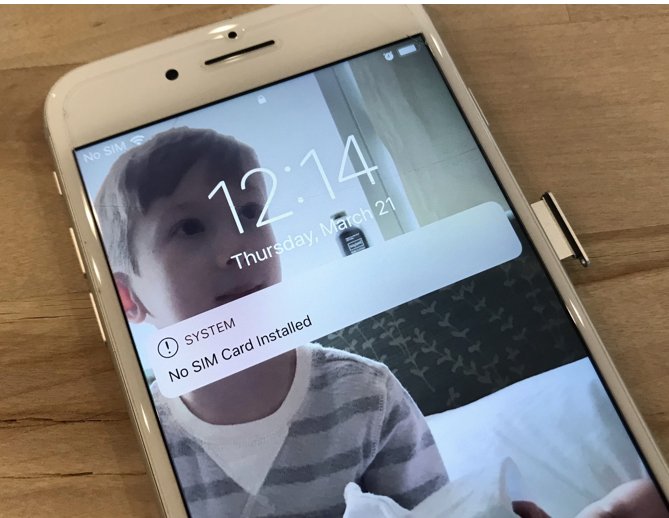
Removing your SIM card can fix the issue when your iPhone 7 Plus says No Service.
Don’t miss: How to fix Google Pixel 2 that won’t charge
You can locate the SIM card tray on the right side of the iPhone 7 Plus, below the power button. Use a SIM card ejector tool to open the tray.
How to Fix an iPhone 7 Plus That Says “No Service”
1. Update Carrier Settings
iPhone recommends that you update your device’s carrier settings once they become available, because outdated settings may lead to connectivity issues between your iPhone and your wireless carrier’s network.
To do that, Make sure that your iPhone is connected to a Wi-Fi network or that Cellular Data is turned on.
- Open the Settings app.
- Make Tap General.
- Tap About.
- Tap Update.
2. Update Your iPhone Software in iTunes
You can use iTunes to perform iOS updates on your iPhone. To do this, plug your iPhone into your computer using a Lightning cable (charging cable).
- Open iTunes.
- Click the iPhone icon in iTunes.
- Click Check For Update.
- If an update is available, click Update.
- Keep your iPhone plugged into your computer while the update downloads and installs.
3. Reset Network Settings on Your iPhone 7 Plus
Resetting the network settings on your iPhone can give your device a “fresh start” and allow it to connect to Bluetooth devices or WiFi networks that may have issues.
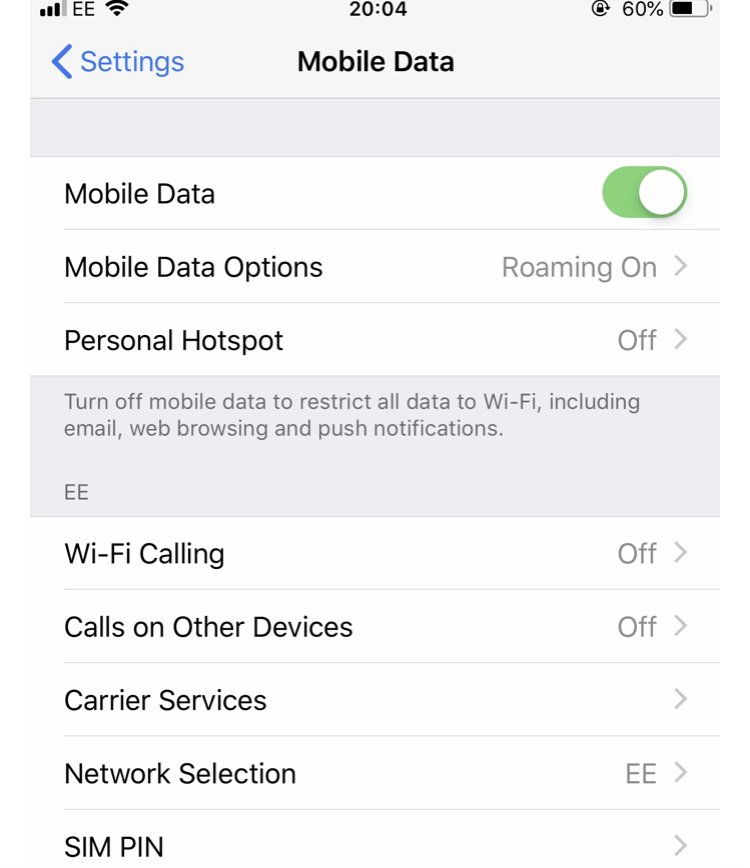
- Open the Settings app.
- Tap General.
- Select Reset Network Settings.
- Enter your passcode.
- When your iPhone restarts, the reset is complete.
4. Contact Your Wireless Carrier
Sometimes when your iPhone experiences issues related to your cellular network, the problem emerges from the cellular network.
Below are the support numbers of major wireless carriers you can contact if you’re experiencing problems.
- Verizon: 1-(800)-922-0204
- Sprint: 1-(888)-211-4727
- AT&T: 1-(800)-331-0500
- T-Mobile: 1-(877)-746-0909
5. Repair Your iPhone 7 Plus With Apple
Apple repairs iPhones at the Genius Bar in Apple Stores and their online mail-in repair service.
Apple repairs are high quality, but out-of-warranty repairs can be much more expensive than third-party solutions.
Editor’s picks:
Jump to
Why Does My iPhone 7 Plus Say No Service? Is It Broken?
Quick-Step: Remove The SIM Card
How to Fix an iPhone 7 Plus That Says “No Service”
1. Update Carrier Settings
2. Update Your iPhone Software in iTunes
3. Reset Network Settings on Your iPhone 7 Plus
4. Contact Your Wireless Carrier
5. Repair Your iPhone 7 Plus With Apple

Daniel Barrett
Author
Daniel Barrett is a tech writer focusing on IoT, gadgets, software, and cryptocurrencies. With a keen interest in emerging technologies, Daniel offers expert analysis and commentary on industry trends. Follow him for authoritative insights into the latest tech innovations.
Latest Articles
Popular Articles