How to Delete a File on your Raspberry Pi
In this article, we will be given out how to easily delete a file on your Raspberry Pi. Click the link to read the full guide.
Author:Daniel BarrettMay 11, 2022
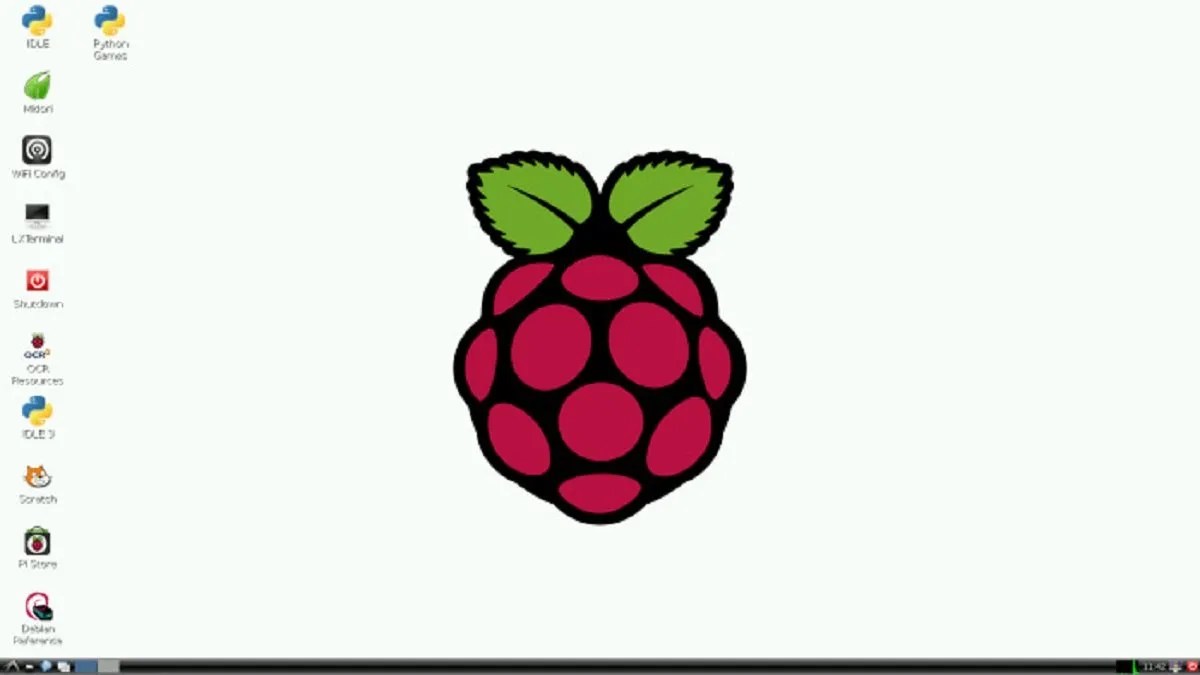
Your Raspberry Pi might be filled up with unwanted files or downloaded some unwanted files just like any other computer. However, the good newsis no file can’t be deleted. In this article, we will be explaining how to delete a file on your Raspberry Pi.
How to Delete a File on your Raspberry Pi
Here’s how to easily remove files on your Raspberry Pi OS. This can be done right from the graphical interface. Follow the below steps to get rid of files on your PC:
- Make your way to the file in question and select the file.
- Then, drag the file to the Trash bin on the desktop screen, or you can slow right-click the file and choose to Move to Trash.
- A message will display asking you to click confirm the action and click YES to proceed.
Delete a file with Terminal
You may not be using Raspberry Pi OS, in which case you can delete a file using a simple Terminal command.
- Open Terminal from the Task Bar or by accessing the Applications Menu
- choose Accessories, and enter the command “rm” followed by a space and then the file name.
- Then, click Enter.
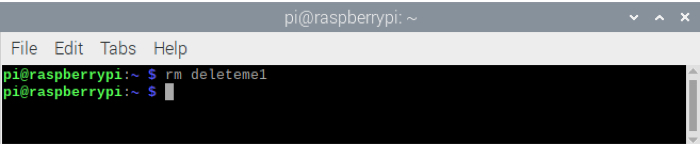
- To delete multiple files, enter “rm” followed by each file name separated by spaces and hit Enter.
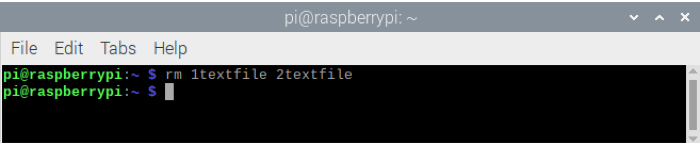
Note: You will not be asked to confirm or see a response after using this command. Ensure you confirm to delete the unwanted files.
Bottom Line
Removing files you no longer need on your Raspberry Pi is a good maintenance task. Just like on your Mac, ridding yourself of unwanted files keeps your storage space open for things you really need.
Editor’s picks:

Daniel Barrett
Author
Daniel Barrett is a tech writer focusing on IoT, gadgets, software, and cryptocurrencies. With a keen interest in emerging technologies, Daniel offers expert analysis and commentary on industry trends. Follow him for authoritative insights into the latest tech innovations.
Latest Articles
Popular Articles