How To Factory Reset A Samsung Galaxy S8
In this walkthrough, we will be discussing ways to factory reset your Samsung Galaxy S8. Click the link to read full guide.
Author:Daniel BarrettJun 14, 2022
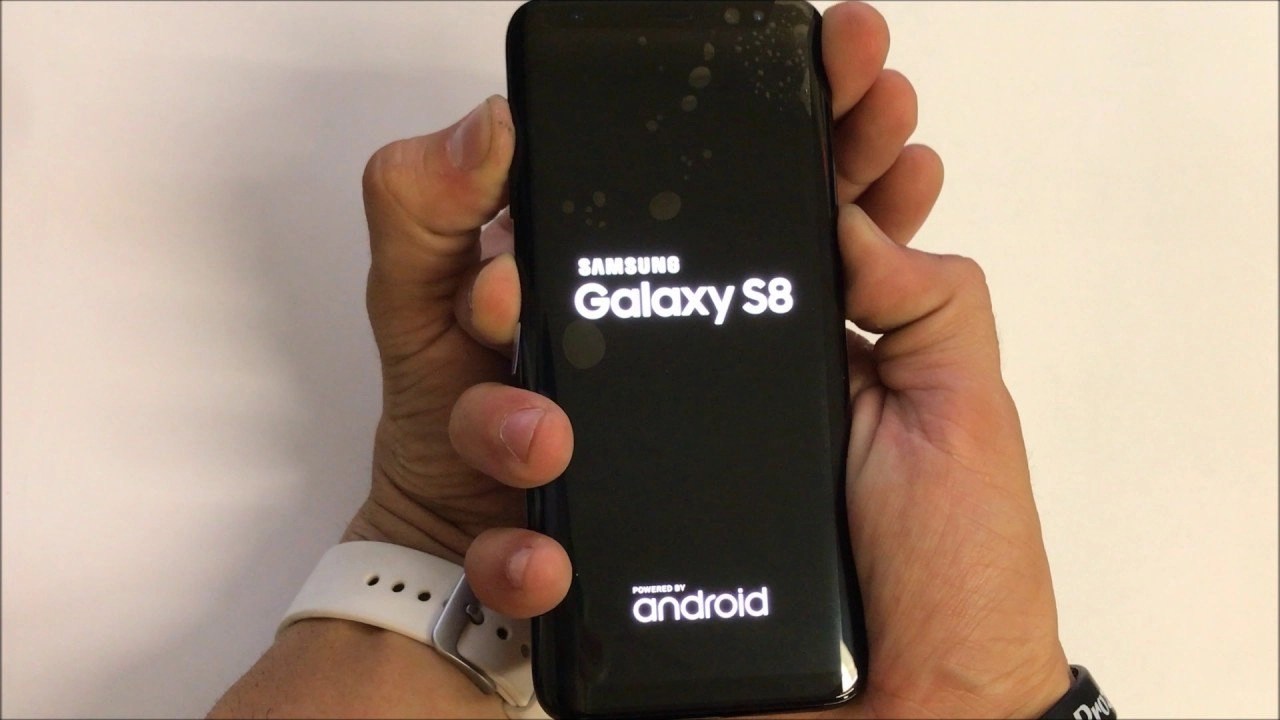
Though Samsung Galaxy S8 may be one of the older members of Samsung’s Galaxy S range, it’s an absolute classic. In this article, we will be discussing ways to factory reset Samsung Galaxy S8.
Starting from its looks, capable hardwareand a great camera can not compete with. However, it’s a normal phenomenon that a phone starts to slow down as it ages, and if you’re not planning on replacing it, there are ways you could make it seems brand new.
One of these ways is a factory reset. A full reset helps to clear out all the cobwebs that have built up over the years and can also speed a phone up.
How to Factory Reset a Samsung Galaxy S8
There are two ways you can factory reset your Samsung Galaxy S8. Keep reading the article to find out.
Soft Reset
- Press and hold the “Power” and “Volume Down” buttons on the device for about 10 to 20 seconds.
- The screen will turn off. Turn it back on and resume normal operation.
Don’t miss: How to fix Google Pixel 2 that won’t charge
Hard Reset Samsung Galaxy S8
There are two ways you can do a hard reset on the Samsung Galaxy S8.
Note that these steps will wipe all data from the device, so make sure you save up all your data to avoid data loss.
From Android OS
Tap “Settings” > “Backup and reset” > “Factory data reset” > “Reset” > “Delete All“.
From Startup
- With the device off, press and hold “Volume Down, “Bixby,” and “Power. “
- Continue to hold both buttons until you see the Recovery screen.
- From the recovery screen, toggle the “Wipe data/factory reset” selection through the Volume down button.
- Press the “Power” button to select the highlighted option.
Editor’s picks:

Daniel Barrett
Author
Daniel Barrett is a tech writer focusing on IoT, gadgets, software, and cryptocurrencies. With a keen interest in emerging technologies, Daniel offers expert analysis and commentary on industry trends. Follow him for authoritative insights into the latest tech innovations.
Latest Articles
Popular Articles