How to Hard Reset BEATS Powerbeats Pro
This article explains how to master reset BEATS Powerbeats Pro. As a result, your BEATS Powerbeats Pro will be as new and your core will...
Author:Daniel BarrettSep 01, 2022
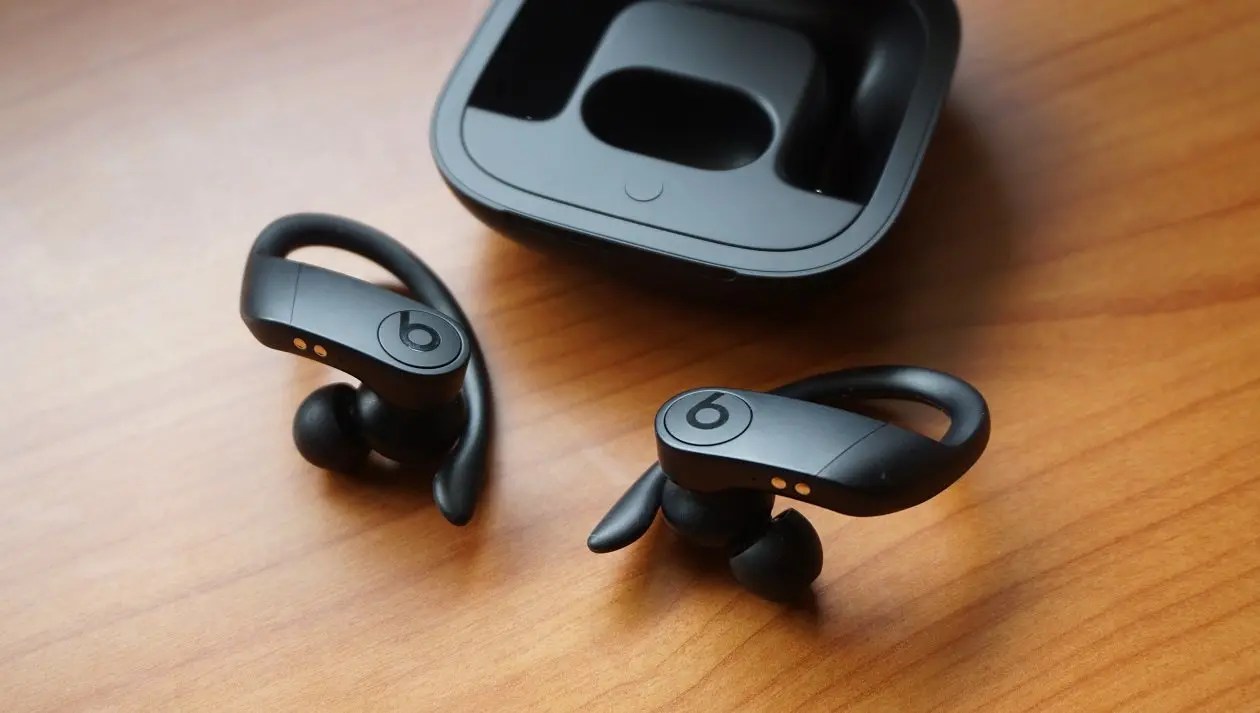
Are you having trouble with the Powerbeats Pro? This article explains how to master reset BEATS Powerbeats Pro. As a result, your BEATS Powerbeats Pro will be as new and your core will run faster.
Follow along for how to reset your Powerbeats Pro earphones and re-pair them to your iPhoneand other devices.
If you’re having Bluetooth, sound, or charging issues with Powerbeats Pro, you may need to reset them and re-pair the wireless earphones. It’s easy to do and only takes a few moments.
How to Reset Your BEATS Powerbeats Pro Earphones
- Connect your Powerbeats Pro Wireless to a power source.
- Press the button on the inside of the case until the indicator light flashes red and white, let go
- The LED should be flashing white
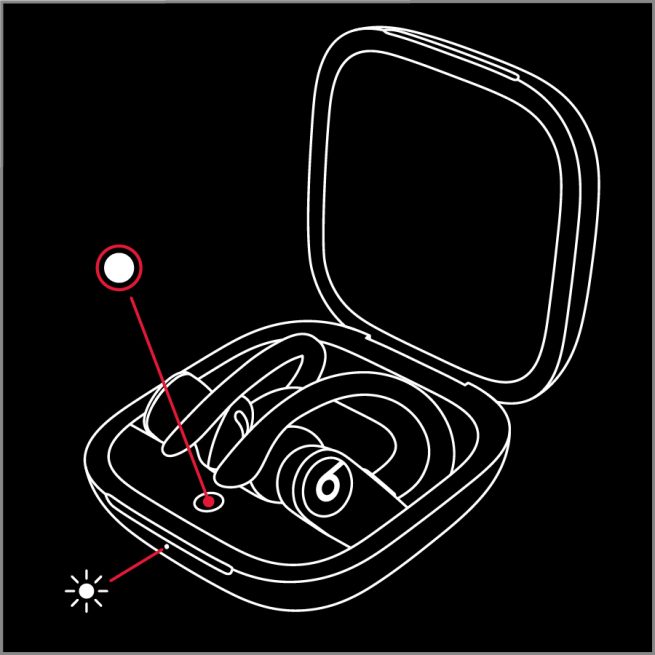
The LED indicator light will continue to flash white, which means that you can pair your Powerbeats Pro with your phone.
If the steps above don’t fix your issue, Beats recommended the following steps:
- Use another power source or a different cable.
- Learn about sound troubleshooting for earphones or Bluetooth troubleshooting.
- Use the Beats Updater to get the latest firmware.
Editor’s picks:

Daniel Barrett
Author
Daniel Barrett is a tech writer focusing on IoT, gadgets, software, and cryptocurrencies. With a keen interest in emerging technologies, Daniel offers expert analysis and commentary on industry trends. Follow him for authoritative insights into the latest tech innovations.
Latest Articles
Popular Articles